SpriteBatch.Begin的Matrix参数
1 | spriteBatch.Begin(SpriteBlendMode.AlphaBlend, SpriteSortMode.FrontToBack,SaveStateMode.None, Matrix.CreateTranslation(new Vector3(10, 10, 0))); |
原本是将图片绘制在左上角的,但由于Matrix.CreateTranslation(new Vector3(10, 10, 0),结果如下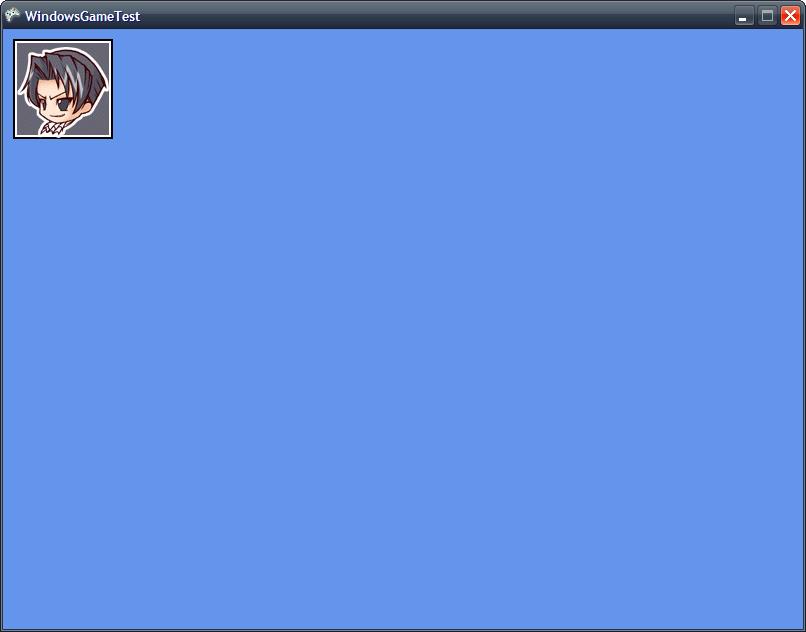
SpriteBatch.Draw的origin参数
1 | spriteBatch.Draw(pic1, new Vector2(GraphicsDevice.Viewport.Width / 2, GraphicsDevice.Viewport.Height / 2), null, Color.White, 0.0f, Vector2.Zero, 1.0f, SpriteEffects.None, 0); |
两者的区别在于origin参数不同,一个是Vector2(0,0),一个是Vector2(100,100),结果如下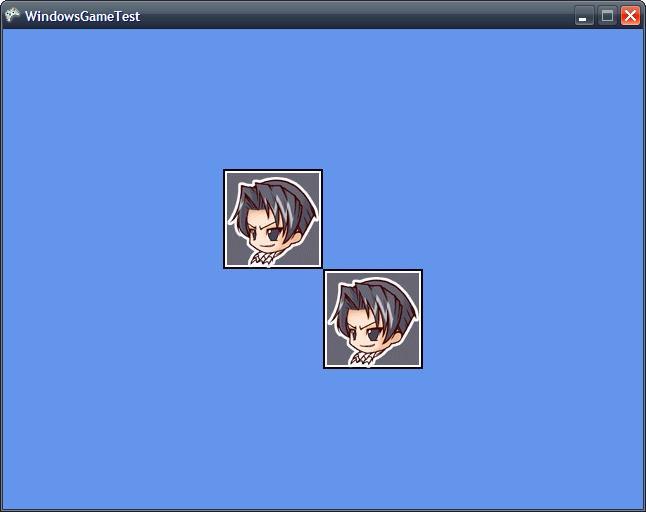
从图中看出origin为(100,100),其实是从屏幕中心向左上偏移(100,100)。所以也可以通过改变origin移动图片。在卷轴类地图中用到这种技术。下面在此基础上又添加了scale值,而且可以通过方向键改变origin
1 | float scale1 = 0.5f; |
注意在Update方法中,origin1和origin2增量不同,这是因为scale除了会影响图片的尺寸,也会使origin按比例改变。
比如origin1 += new Vector2(100,100), origin2 += new Vector2(100,100),由于scale1为0.5,其实origin2改变的距离只有(50,50),通过除以各自的比例,可以让两者移动的距离相同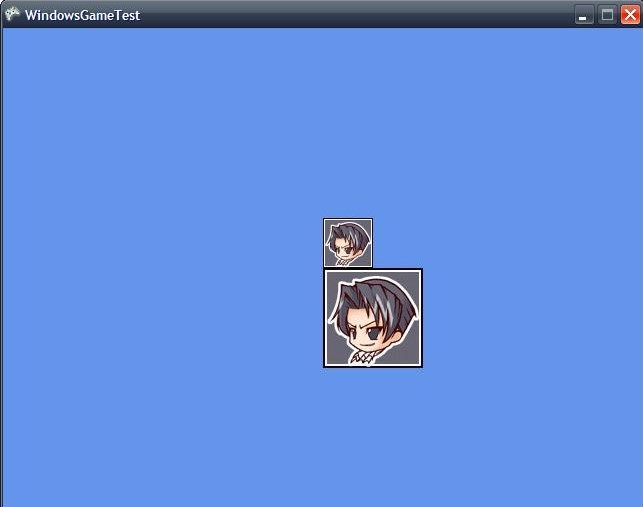
SpriteBatch.Draw的layerDepth
1 | spriteBatch.Begin(SpriteBlendMode.AlphaBlend, SpriteSortMode.FrontToBack, SaveStateMode.None); |
SpriteSortMode为FrontToBack的情况下,是pic1先画,pic2后画,因为pic2图片尺寸大于pic1,所以pic2会完全覆盖pic1.结果如下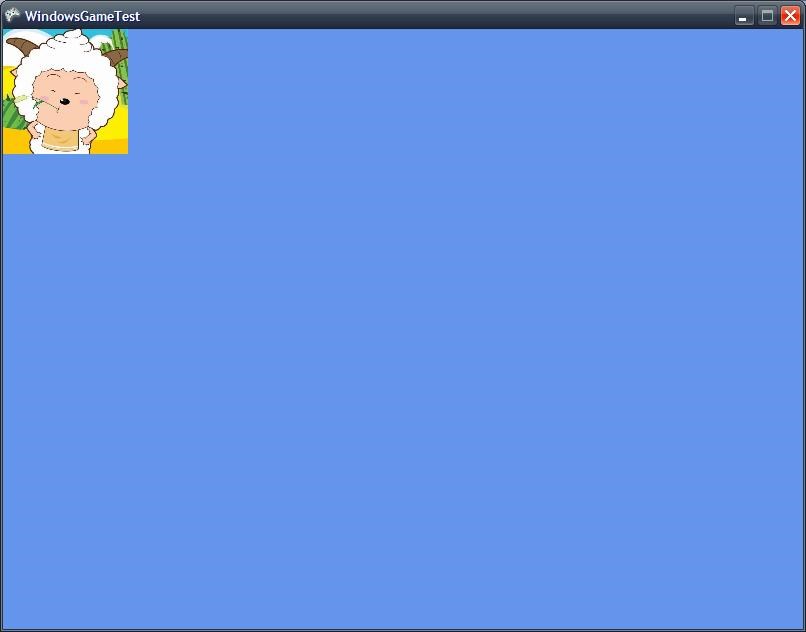
如果改成
spriteBatch.Draw(pic1, new Vector2(0, 0), null, Color.White, 0.0f, Vector2.Zero, 1.0f, SpriteEffects.None, 1.0f); 则变成
虽然pic1和pic2的layerDepth是相等的,但从结果上来看是pic2先画,pic1后画。即使把SpriteSortMode改为BackToFront,结果不变。所以当两者的层深相等时,可以想象成后进先出的情况
SpriteBatch Winform实现
将texture的一部分(sRect),以origin为中心缩放和旋转(或翻转flip),然会绘制在画布的location位置。这里的重点是matrix的复合变换
SpriteBatch的Draw有一个color参数
ColorMatrix用于color tint
先绘制在temp上,对temp进行了color tint
xna中旋转是弧度,而gdi+中旋转是角度。
这里要注意的是以origin为中心,这里我将origin设置为sRect的中心,得到下面的points
这一步可以分成2步:1
2
3
4
5
6//1
Point[] points = new Point[] {
new Point(0, 0),
new Point(temp.Width, 0),
new Point(0, temp.Height)
};
1 | //2 |
以origin为中心缩放和旋转,变成以原点为缩放和旋转,然后translate,再将变换应用到points上.
旋转缩放最好以原点(0,0)来进行1
2
3
4
5
6
7
8
9
10
11
12
13
14
15
16
17
18
19
20
21
22
23
24
25
26
27
28
29
30
31
32
33
34
35
36
37
38
39
40
41
42
43
44
45
46
47
48
49
50
51
52
53
54
55
56
57
58
59
60 private void DrawWithTransformation(Bitmap texture, Vector2 location, Rectangle sRect,/* Color color,*/ float rotation, Vector2 origin, Vector2 scale, bool flip, Graphics g)
{
//着色
Bitmap temp = new Bitmap(sRect.Width, sRect.Height);
Graphics tempGraphics = Graphics.FromImage(temp);
/*float[][] colorMatrixElements = {
new float[] {2, 0, 0, 0, 0}, // red scaling factor of 2
new float[] {0, 1, 0, 0, 0}, // green scaling factor of 1
new float[] {0, 0, 1, 0, 0}, // blue scaling factor of 1
new float[] {0, 0, 0, 1, 0}, // alpha scaling factor of 1
new float[] {.2f, .2f, .2f, 0, 1}}; // three translations of 0.2*/
float[][] colorMatrixElements =
{
new float[] {1, 0, 0, 0, 0}, // red scaling factor of 2
new float[] {0, 1, 0, 0, 0}, // green scaling factor of 1
new float[] {0, 0, 1, 0, 0}, // blue scaling factor of 1
new float[] {0, 0, 0, 1, 0}, // alpha scaling factor of 1
new float[] {0f, 0f, 0f, 0, 1}}; // three translations of 0.2*/
//float[][] cm = {1.0f, 0.0f, 0.0f, 0.0f, 0.0f},
// cm[1]new float[]{0.0f, 1.0f, 0.0f, 0.0f, 0.0f},
// cm[2]new float[]{-0.0f, 0.0f, 1.0f, 0.0f, 0.0f},
// cm[3]new float[]{0.0f, 0.0f, 0.0f, 1.0f, 0.0f},
// cm[4]new float[]{0.75f, 0.0f, 0.0f, 0.0f, 1.0f}};
ColorMatrix colorMatrix = new ColorMatrix(colorMatrixElements);
ImageAttributes imageAttributes = new ImageAttributes();
imageAttributes.SetColorMatrix(
colorMatrix,
ColorMatrixFlag.Default,
ColorAdjustType.Bitmap);
Rectangle tempRec = new Rectangle(0, 0, temp.Width, temp.Height);
tempGraphics.DrawImage(texture, tempRec, sRect.X, sRect.Y, sRect.Width, sRect.Height,
GraphicsUnit.Pixel, imageAttributes);
Matrix matrix = new Matrix();
matrix.Rotate(rotation * 180 / 3.1415926f);
//matrix.RotateAt(rotation*180/3.1415926f, new PointF((float)sRect.Width / 2f, 32f));
matrix.Scale((float)scale.X, (float)scale.Y, MatrixOrder.Append);
matrix.Translate((float)location.X, (float)location.Y, MatrixOrder.Append);
if (!flip) matrix.Scale(-1, 1);
//Point[] points = new Point[]{new Point(0, 0), new Point(temp.Width, 0),
// new Point(0, temp.Height)};
Point[] points = new Point[]
{
new Point(-temp.Width/2, -temp.Height/2), new Point(temp.Width/2, -temp.Height/2),
new Point(-temp.Width/2, temp.Height/2)
};
matrix.TransformPoints(points);
g.DrawImage(temp, points, tempRec, GraphicsUnit.Pixel);//图像的旋转和拉伸通常是通过在DrawImage中指定destPoints参数来实现,destPoints包含对新的坐标系定义的点的数据
}